Open http://localhost:8000/settings.
If you are using a development deployment, open http://localhost:5173/settings.
Image

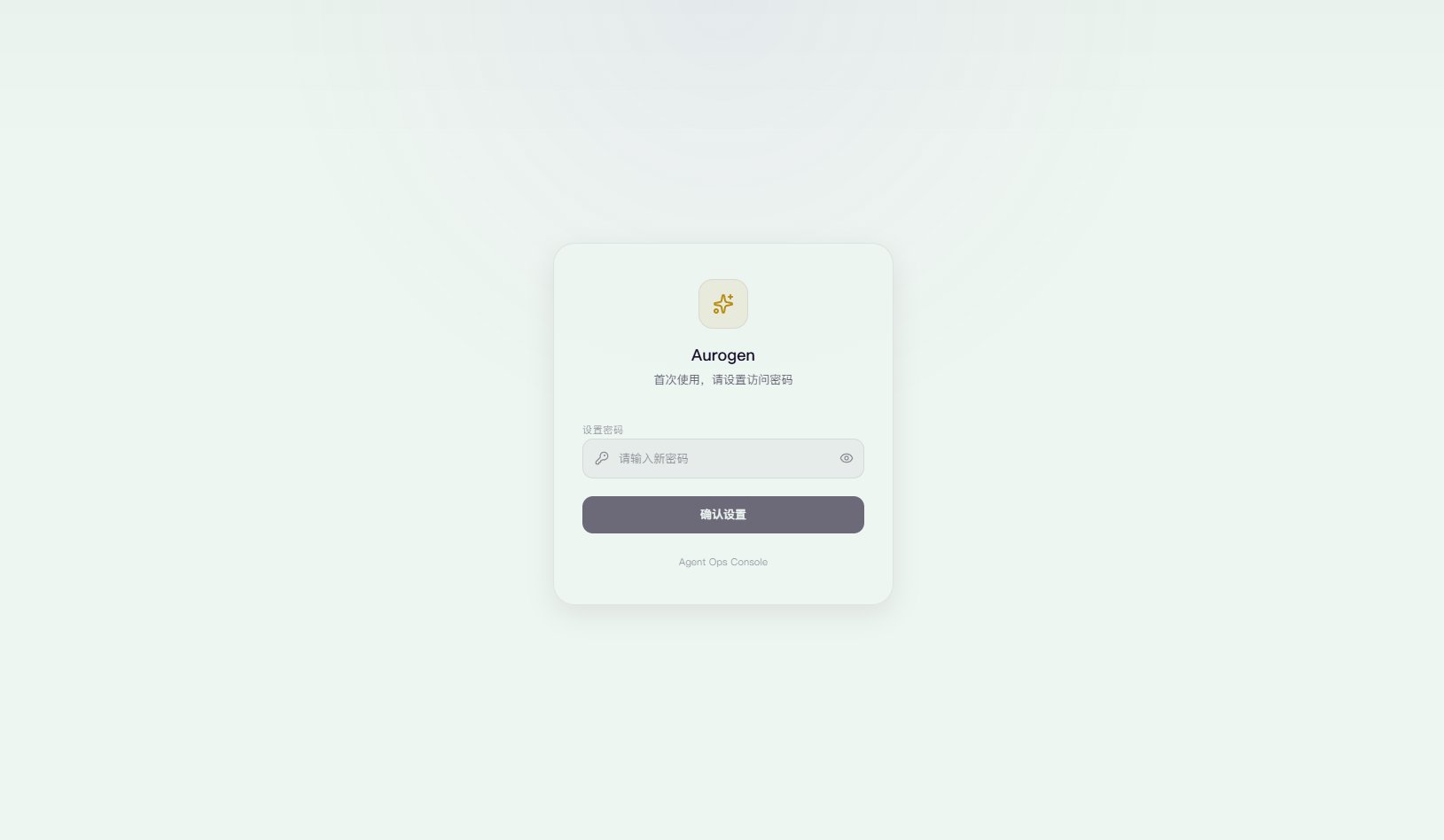
Set a password

Set a password for the panel. The password is stored persistently in your browser.
Image
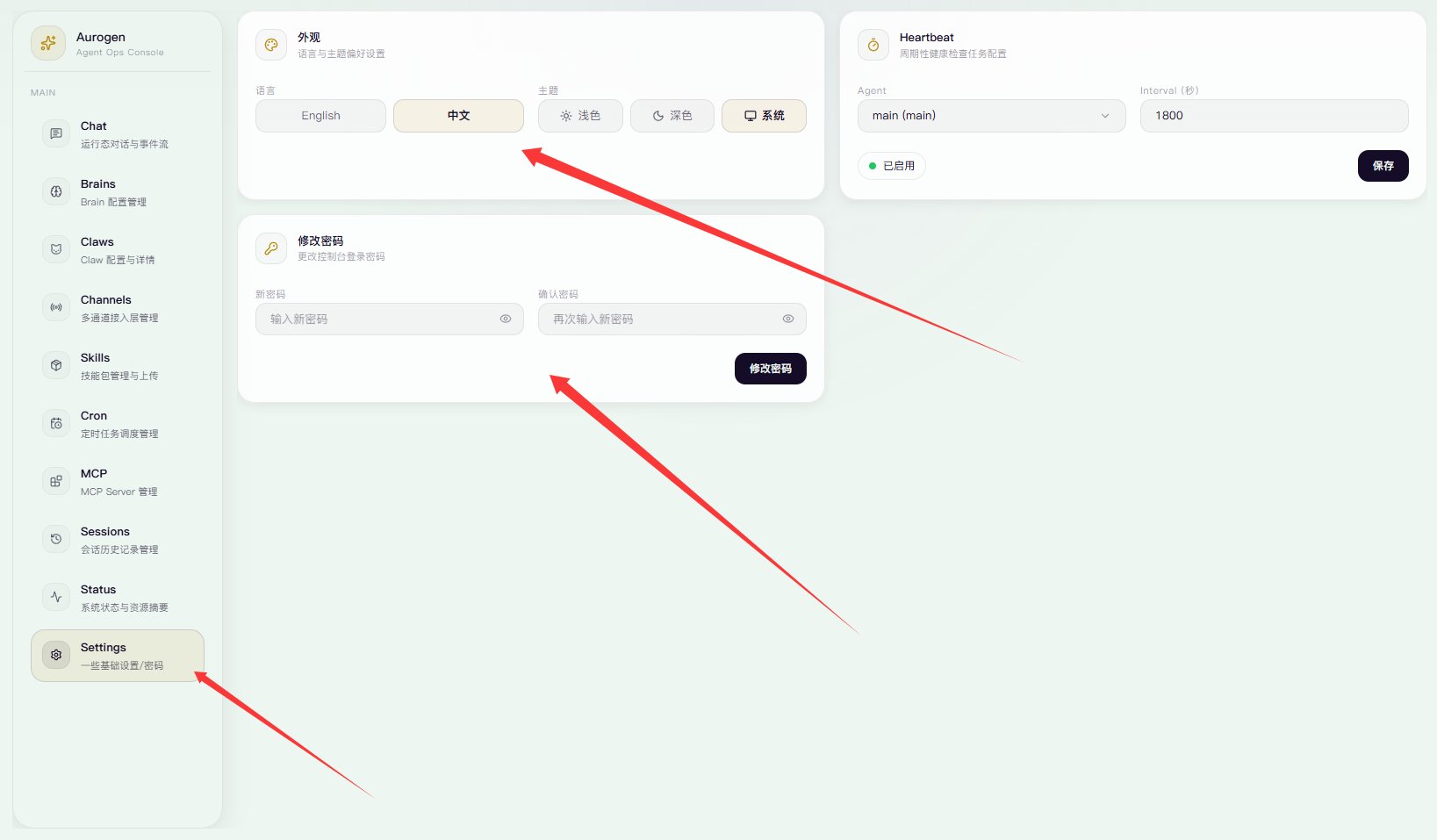
In the settings panel on the left, you can switch to Chinese, change the theme, and update the password.

Configure your first ClawBot

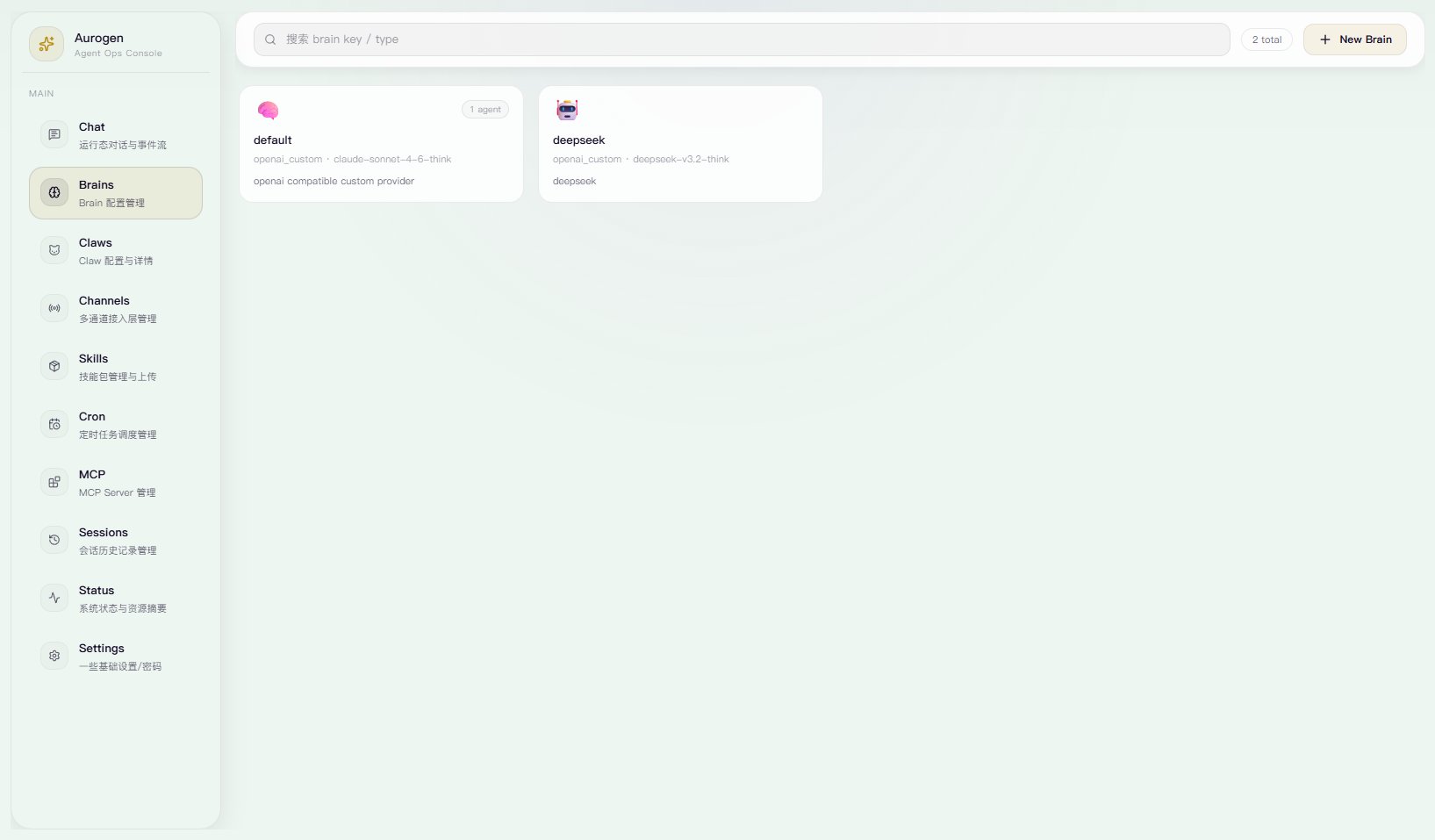
  1. Click Brains.
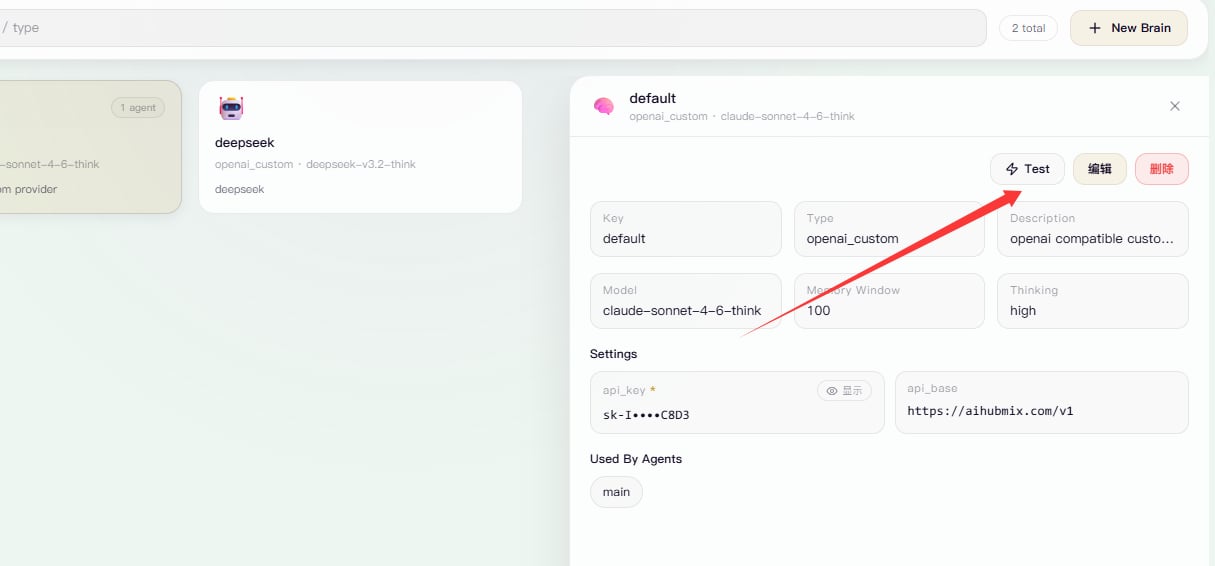
Brains is where you manage LLM API endpoints. You will see a default entry there.
Image
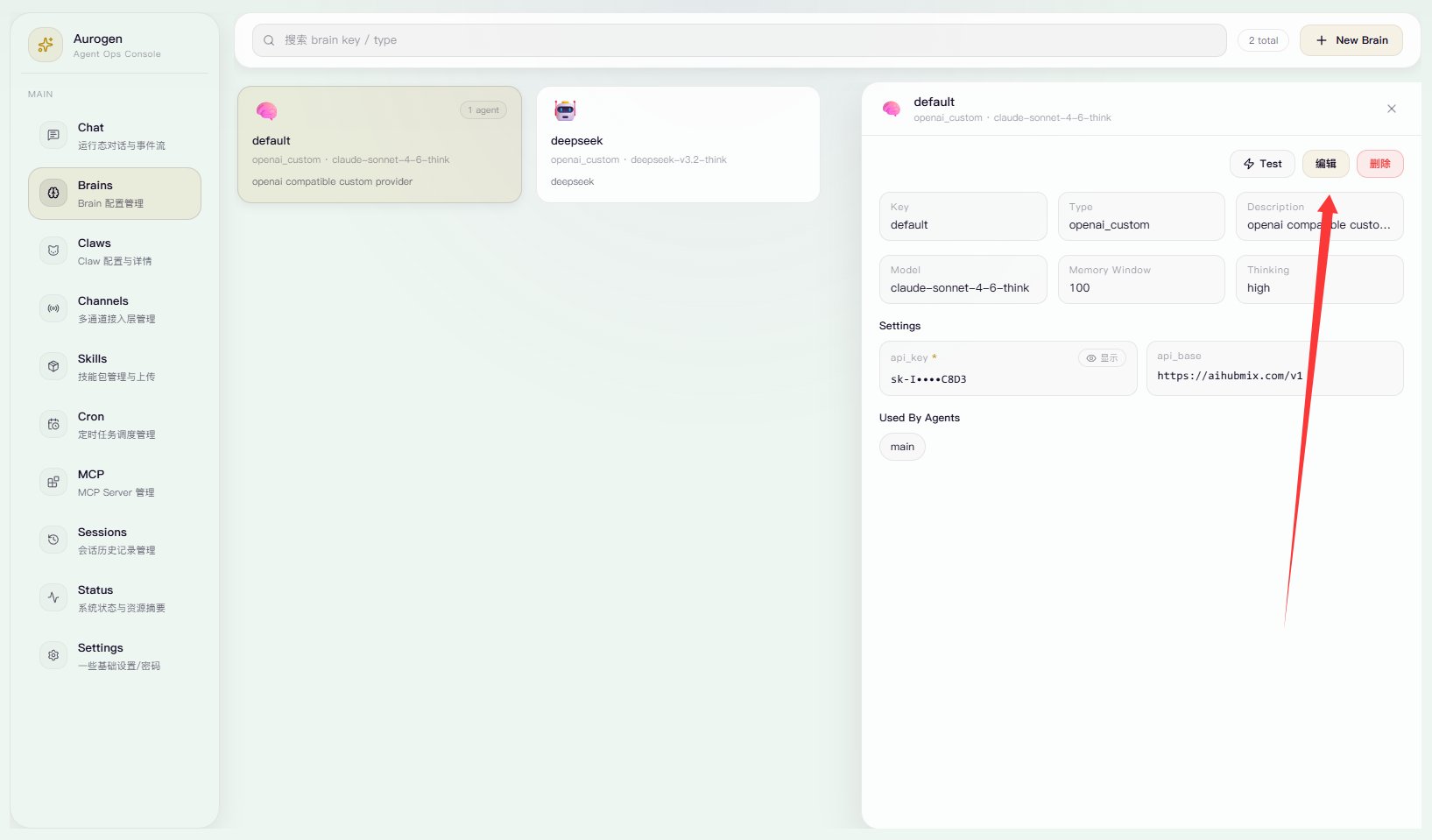
Click the default Brains card, then click Edit.
Image
Set the API key and API URL. You can also switch the provider. Then set the model ID and choose whether to enable thinking.
Image
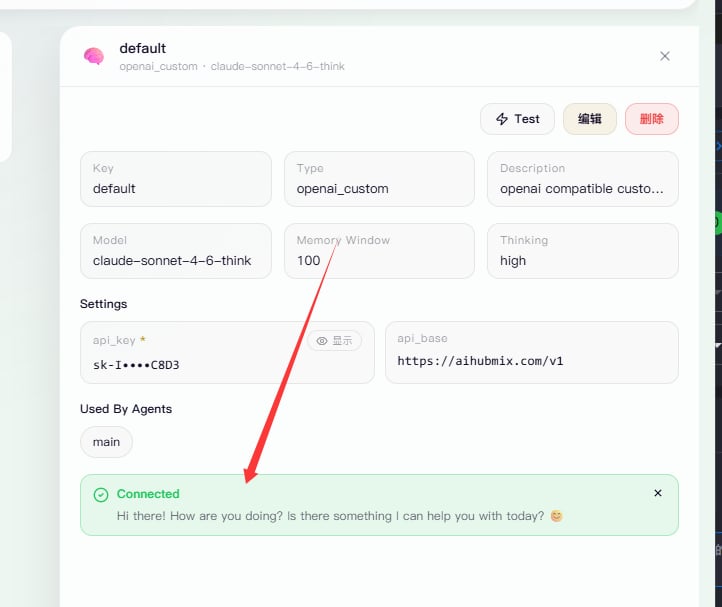
Click Test and make sure it returns successfully.
Image
That is it. You have finished the basic setup.