Documentation IndexFetch the complete documentation index at: /llms.txtUse this file to discover all available pages before exploring further.
Fetch the complete documentation index at: /llms.txt
Use this file to discover all available pages before exploring further.


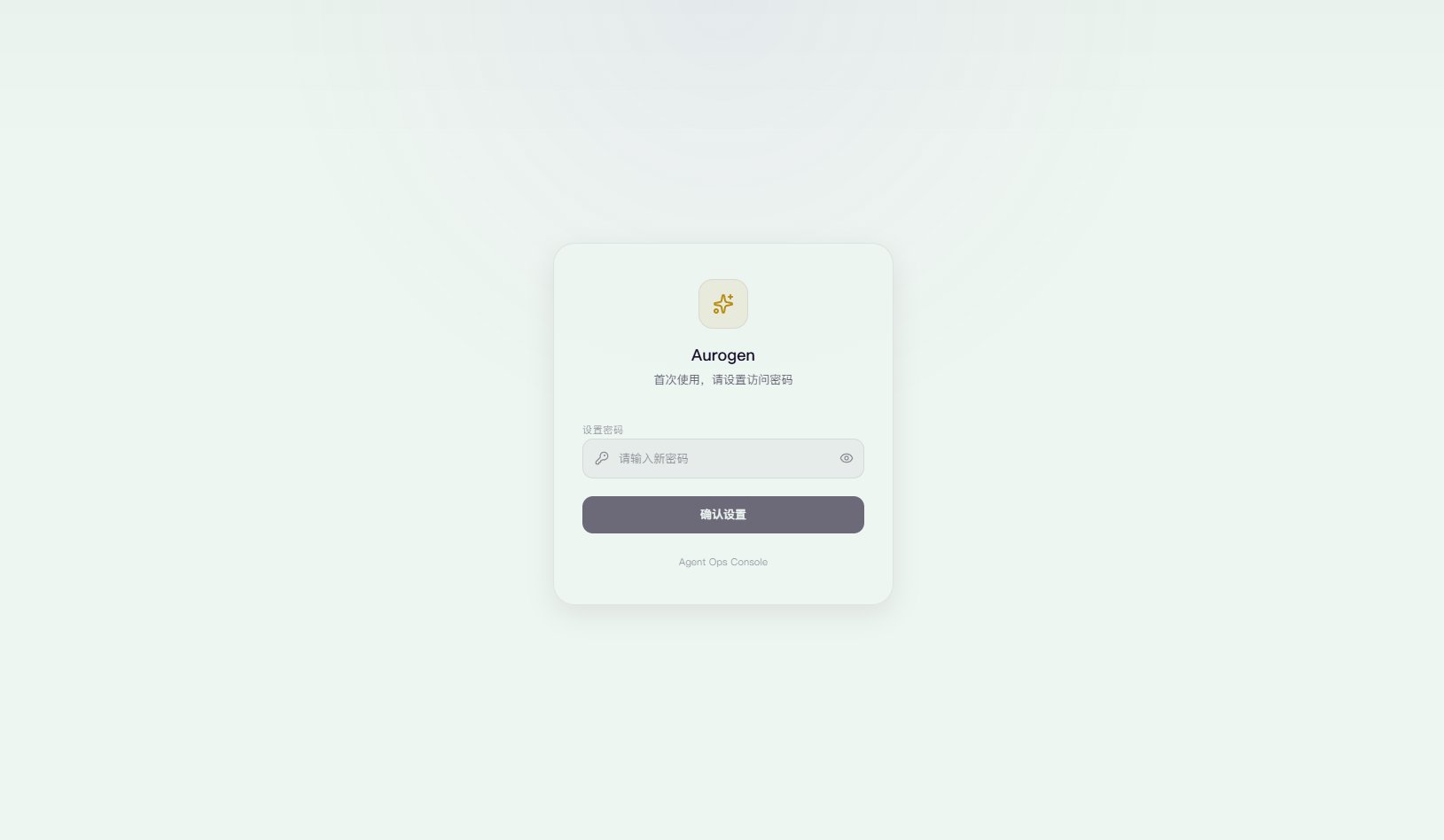
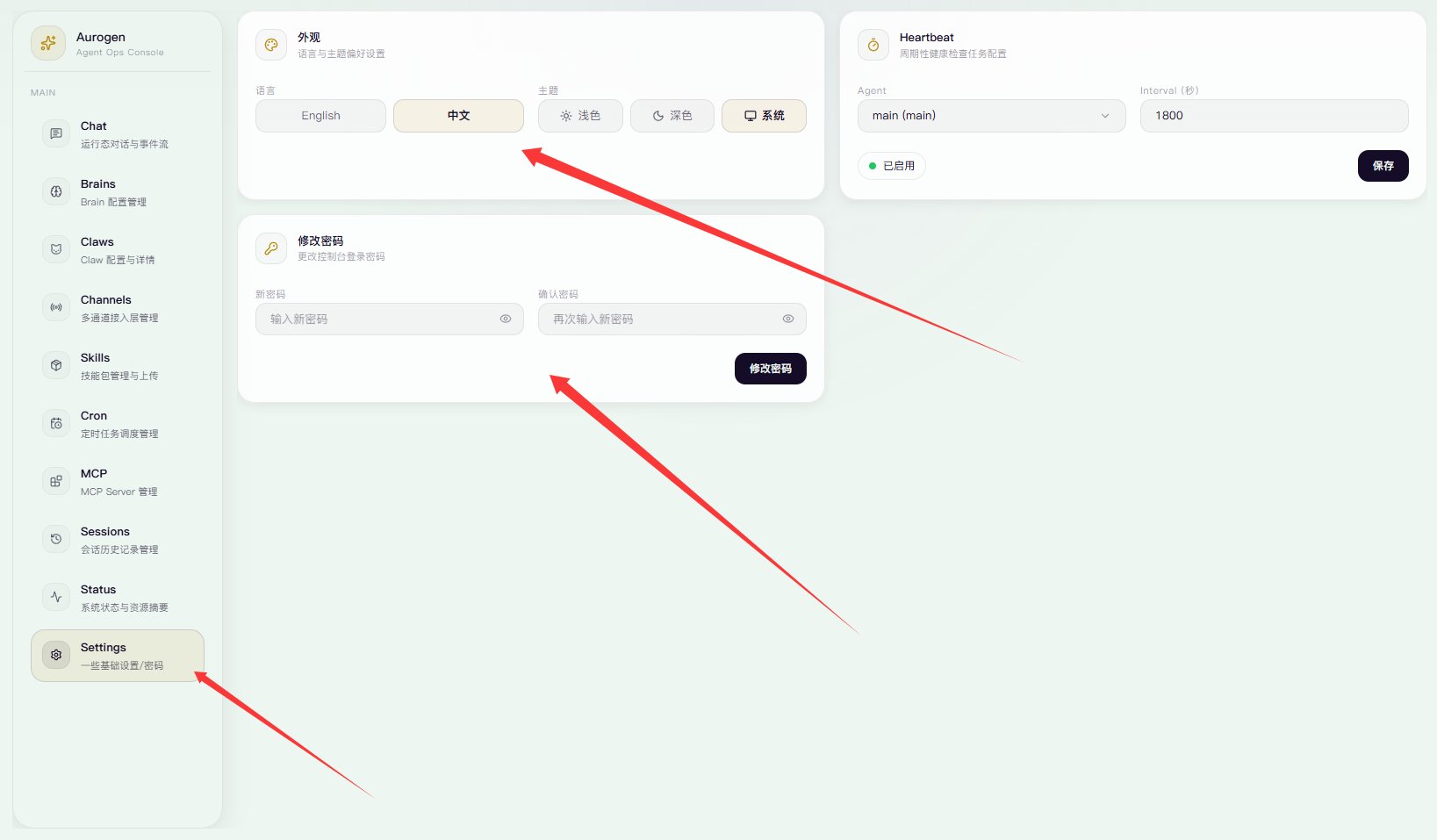
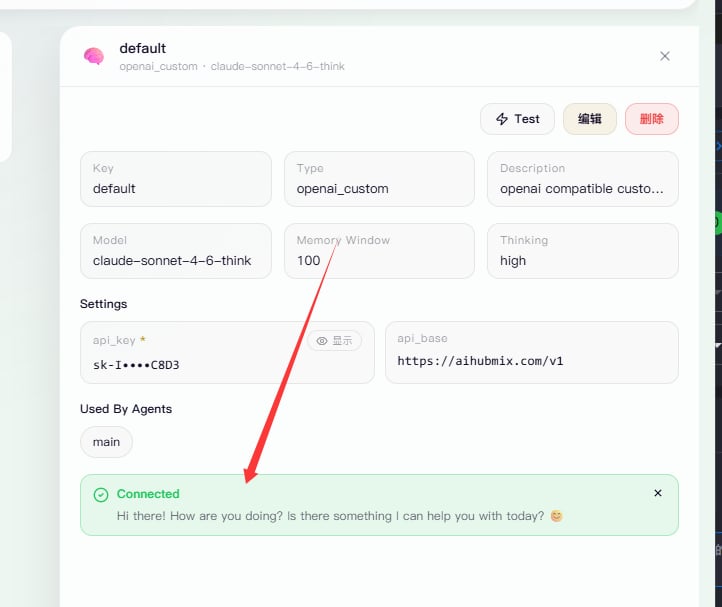
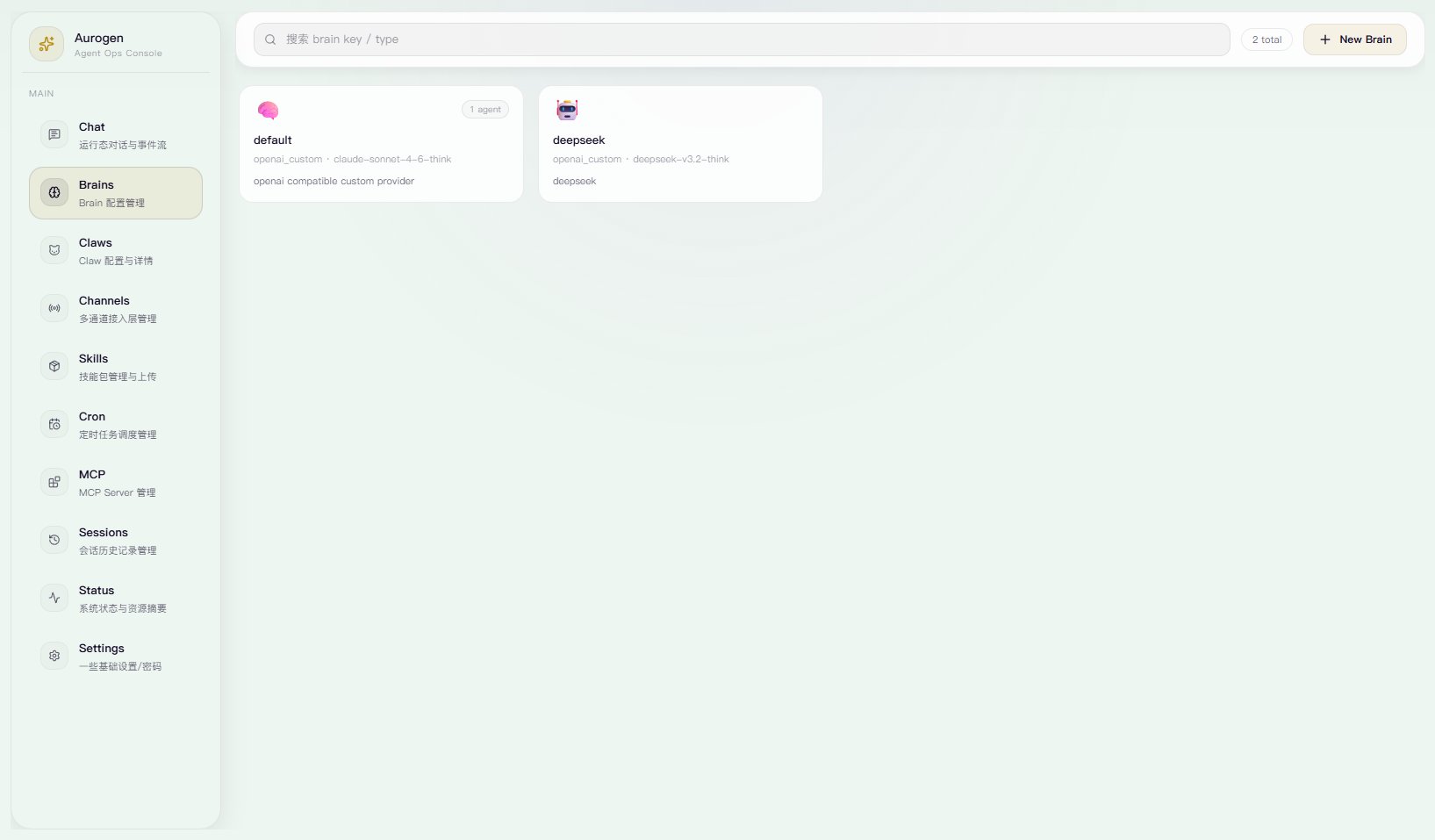 设置api key / api url 你也可以更换Provider。然后设置model id 和 是否开启 thinking。
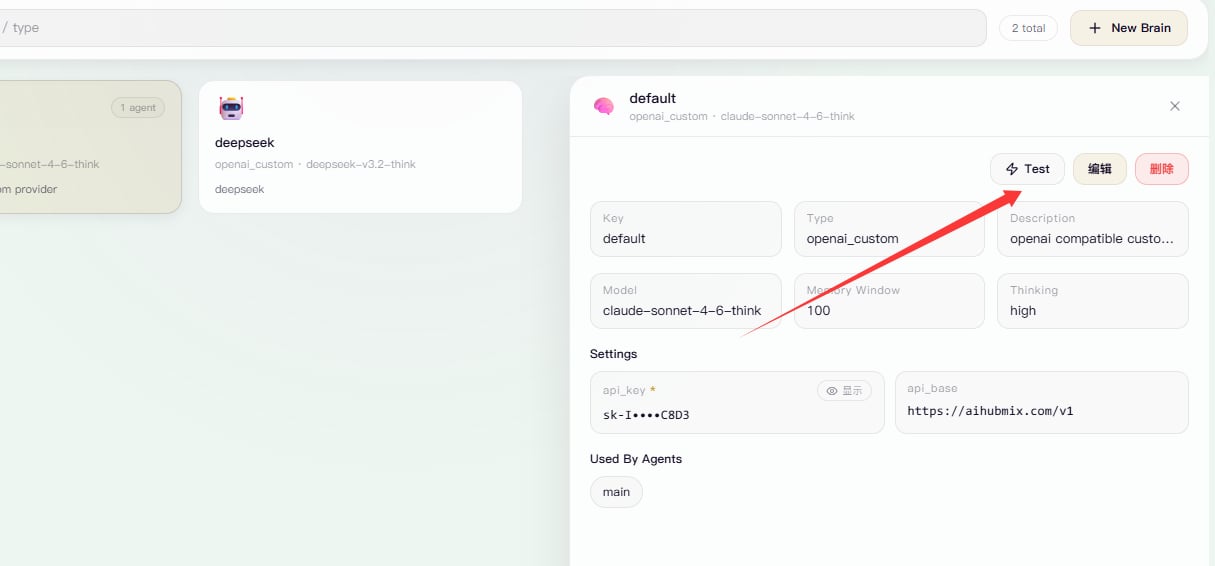
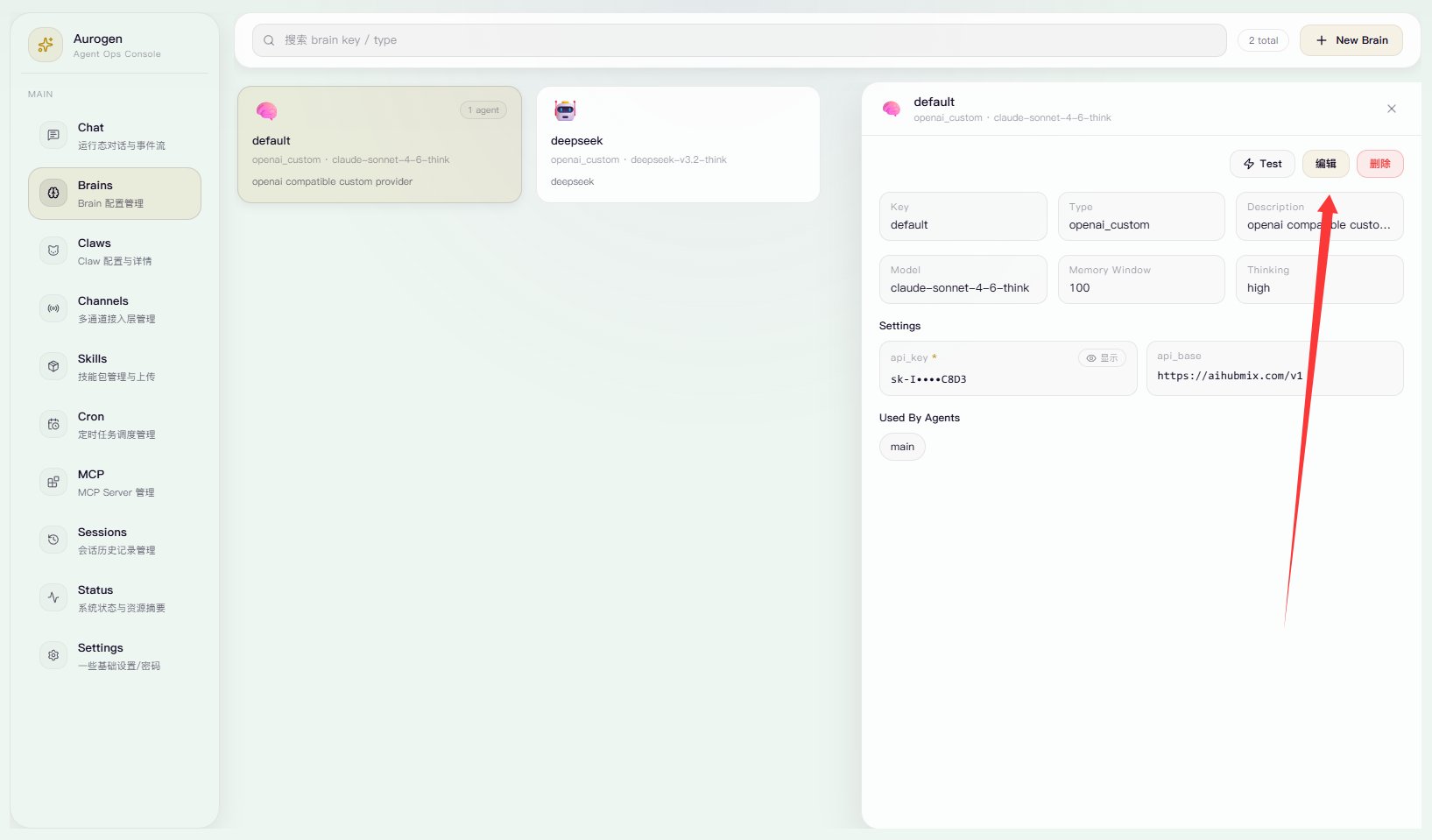 点击测试,确保返回
 好了,现在完成基础配置了。